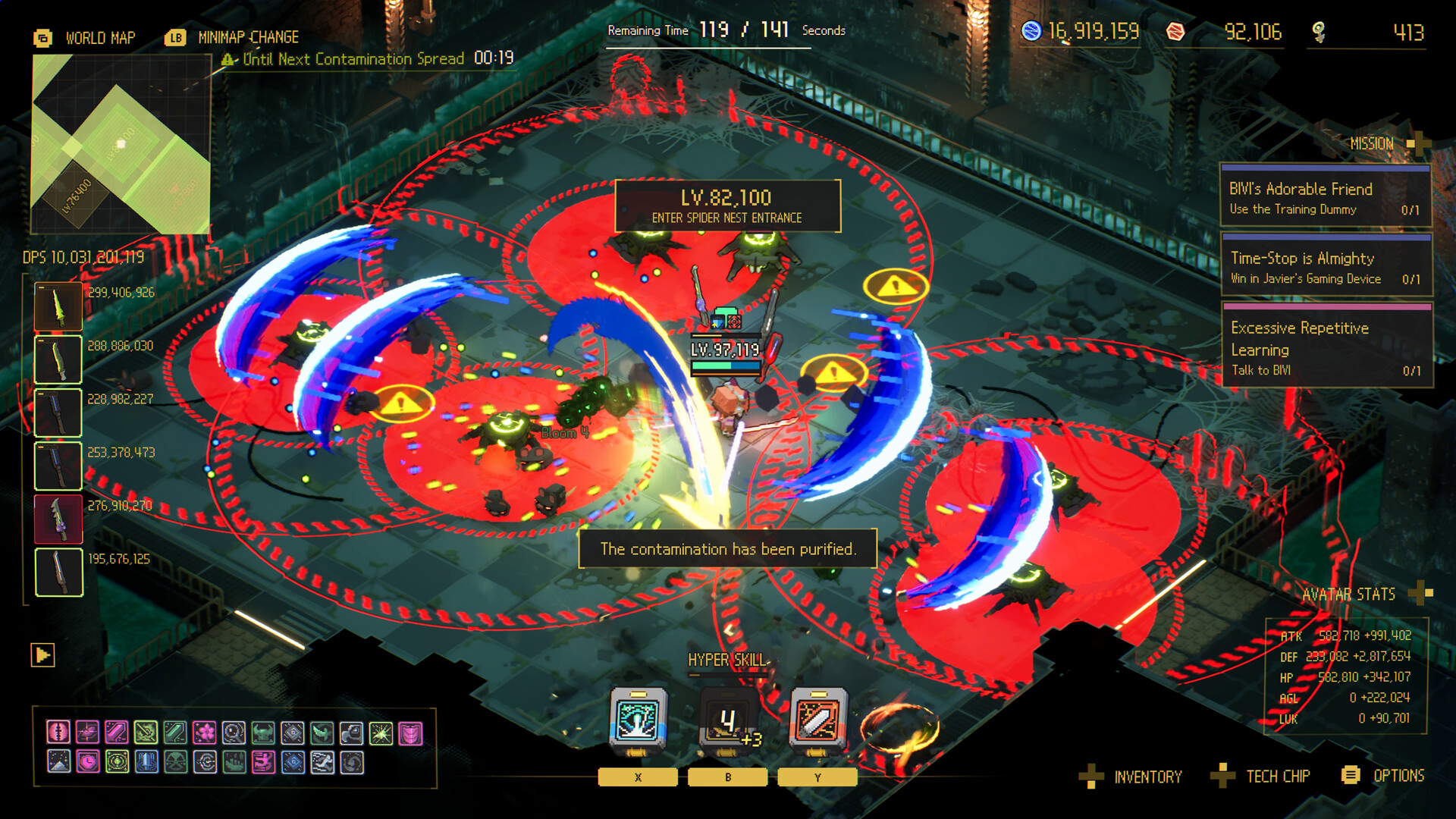
Treat a Gadget as part of the release plan: freeze, move into a useful position, then resume where its role supports the next few seconds.
Independent review
Gadgets turn the freeze-resume cycle into a setup
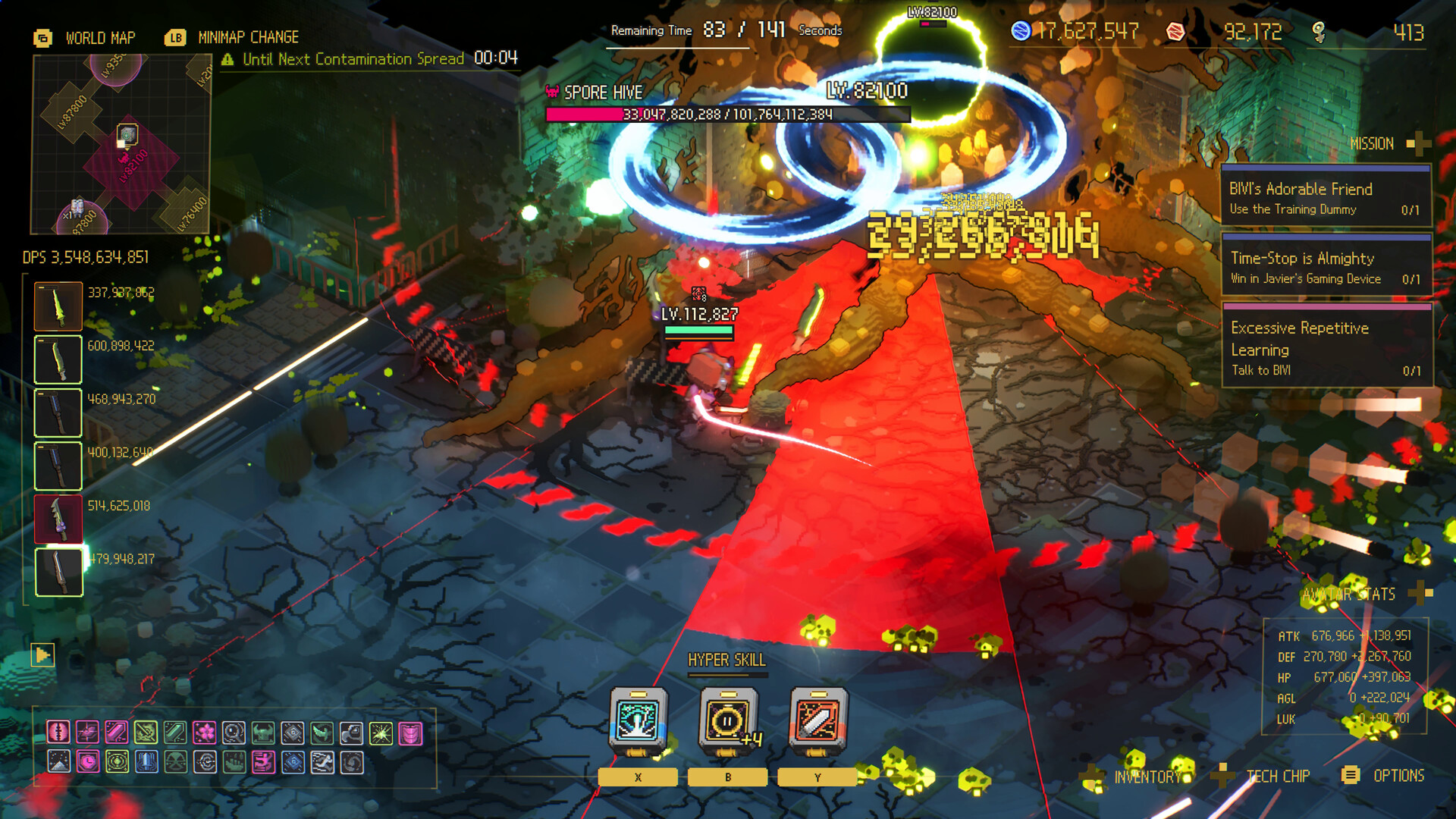
Official descriptions connect gadgets with the action prepared during Time-Stop and released when time resumes. That gives them a different decision rhythm from automatic weapons. The important questions are where the effect will resolve, whether it needs a target or lane, and what danger remains after activation.
A strong gadget window can create burst, control, or space, but stacking actions without an exit can trade one successful release for the next hit. Learn one gadget interaction at a time and pair it with a repeatable Avatar release before adding a more complex combination.
Set the target
Know which enemy, area, or lane the gadget should affect when time resumes.
Check the exit
Do not finish the setup inside the next projectile or movement path.
Pair one interaction
Combine the gadget with a known Avatar release before stacking more effects.
Use official reference
Confirm exact behavior and controls in the current Handbook and official guide video.
Do this first
- 1Assign a role
Control, burst, or flexible support in the editorial planner.
- 2Plan the position
Choose where the Gadget should matter after time resumes.
- 3Judge the result
Keep it if the route becomes safer or a target becomes reachable.
Gadget role matrix
| Editorial role | Use when | Check after release |
|---|---|---|
| Control | The board closes too quickly | Did a safer lane remain? |
| Burst | A reachable target outlasts the window | Did pressure improve? |
| Flexible | Drops and route change often | Did it solve the immediate blocker? |
Use this flow
- 01Freeze
- 02Choose lane
- 03Prepare Gadget role
- 04Resume
- 05Read the next seconds
Related video
Ascend to ZERO | Game-Changing Strategies? | Beginner's Guide: Gadget
Flyway Games
An official beginner-oriented Gadget guide retained without inferring named loadout conclusions from its title.
Why it is useful: Seeing the role of the Gadget system before choosing a broad planner direction.
Watch on YouTubeCommon mistakes
Do
Change one decision, measure the result, and keep the source trail visible.
Avoid
- Guessing a Gadget effect from its title
- Ignoring release position
- Adding burst to a survival failure
- Copying named combos without current-build proof
FAQ
Which Gadget is best?
The best choice solves the current blocker: control when lanes close, burst when a reachable target survives, or flexible support when drops keep changing the route.
Sources
Ascend to ZERO: A Time-Bending Roguelike Sharpened to the Last Second
Xbox Wire / Flyway Games / accessed 2026-07-16
Detailed first-party explanation of the opening timer, Time-Stop, auto-attacks, growth, difficulty, Handbook, and late-game routing.
Independent review used to cross-check controls, gadget input, equipment categories, and the Chrono Child starter example.
Ascend to ZERO | Game-Changing Strategies? | Beginner's Guide: Gadget
Flyway Games / accessed 2026-07-16
Official Gadget guide; title, channel, and ID confirmed.