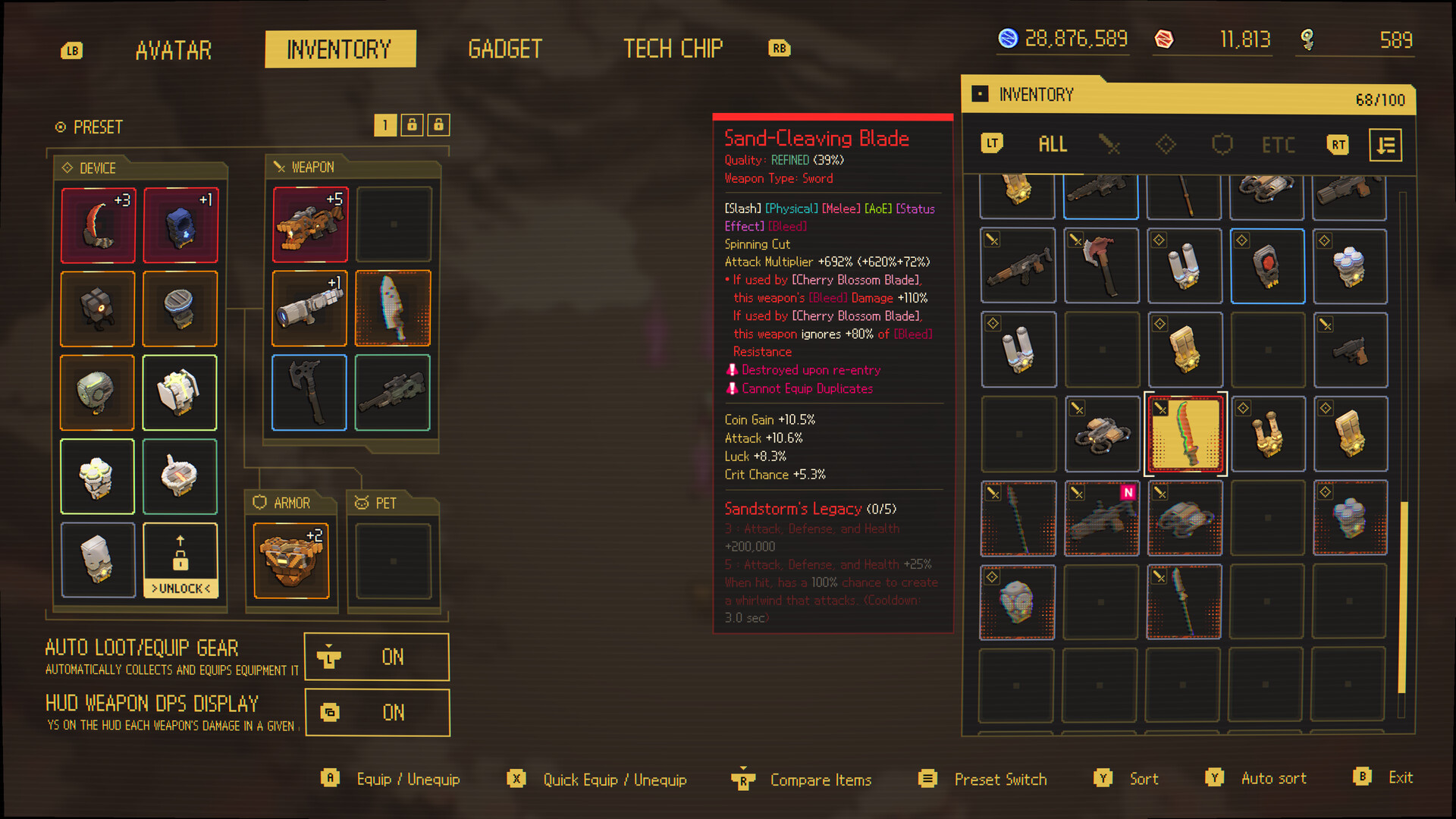
Use the planner to expose a recommendation's matching tags, then use the tracker to keep a private checklist in this browser.
Use tools to reduce decisions between runs
The Build Planner and Handbook Tracker support two different jobs. The planner turns a named blocker into a transparent build direction, while the tracker records what the player has found or reviewed in the current Handbook. Neither tool claims access to hidden formulas or a live game database.
Use the planner before a run when you need a short set of tags to watch for. Use the tracker after a run when the in-game collection grows difficult to remember. Data stays in the browser unless the player chooses to export it.
Plan one direction
Start with the current blocker and carry a small tag set into the next run.
Track local progress
Mark reviewed Handbook entries without creating an account.
Share intentionally
Planner links and exported JSON are created only when the player chooses them.
Check the game
Use the current build for item behavior, stats, and unlock requirements.
Do this first
- 1Plan
Describe your problem and inspect the matched signals.
- 2Test
Run the recommended direction without treating it as an official loadout.
- 3Track
Mark guide concepts locally and export a backup when needed.
Tool comparison
| Tool | Input | Output |
|---|---|---|
| Build Planner | Avatar, style, range, role, tags, stage | Direction, matches, trade-offs, sources |
| Handbook Tracker | Local marks and filter | Progress, category totals, JSON backup |
Use this flow
- 01Describe run
- 02Get direction
- 03Test route
- 04Mark progress
- 05Export backup
Related video
Ascend to ZERO | Diverse Combat Styles! | Game Guide Video: TechChip Edition
Flyway Games
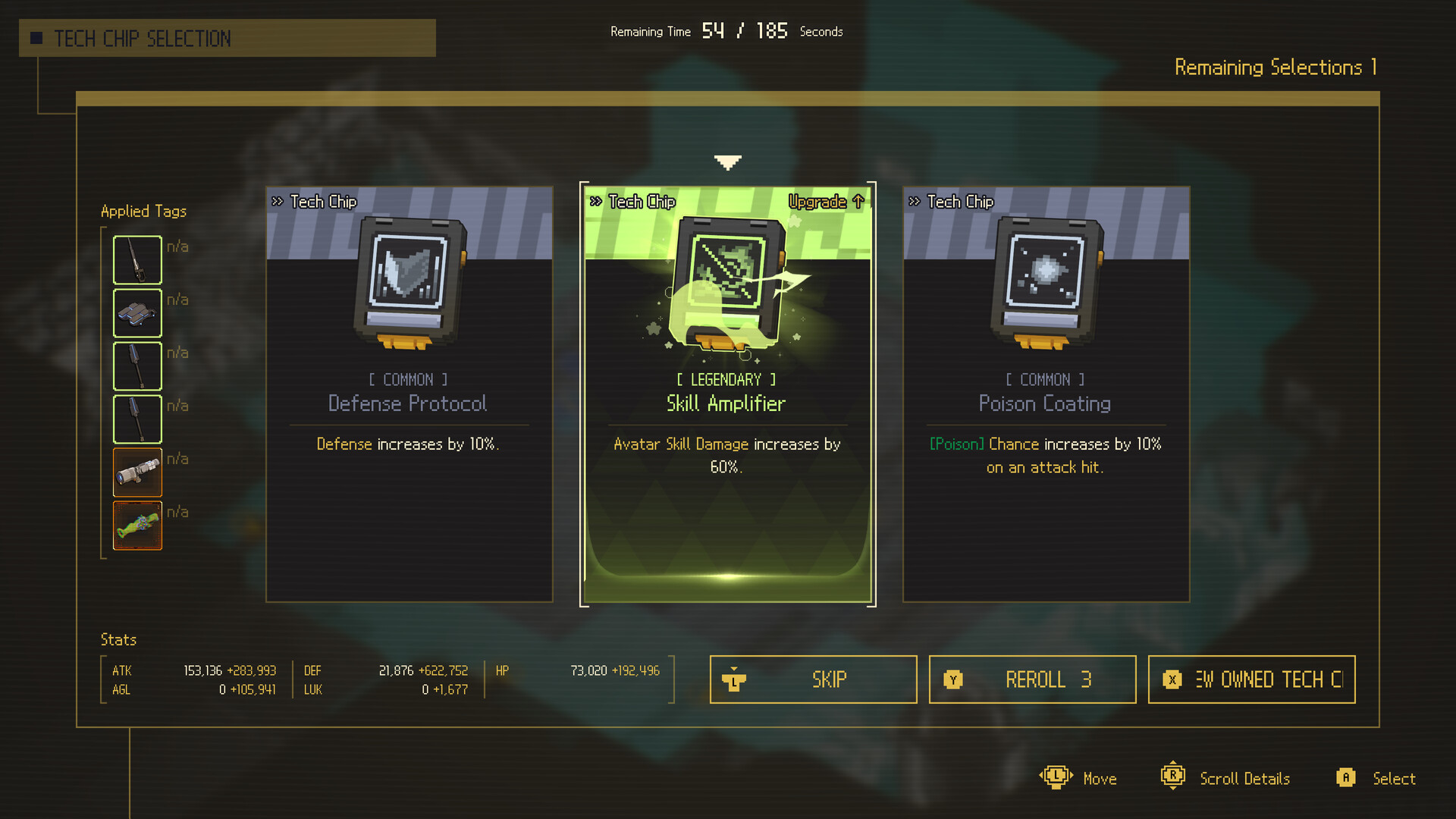
The official short specifically labels Tech Chips as a route to varied combat styles.
Why it is useful: Understanding why the planner recommends tags and directions instead of unsupported DPS totals.
Watch on YouTubeCommon mistakes
Do
Change one decision, measure the result, and keep the source trail visible.
Avoid
- Assuming a planner score is game data
- Importing unknown JSON
- Expecting account sync
- Treating a local checklist as an account sync
FAQ
Does this site upload my tracker?
No. The tracker uses localStorage and file import/export in your browser.
Sources
Ascend to ZERO: A Time-Bending Roguelike Sharpened to the Last Second
Xbox Wire / Flyway Games / accessed 2026-07-16
Detailed first-party explanation of the opening timer, Time-Stop, auto-attacks, growth, difficulty, Handbook, and late-game routing.
Current store description, supported systems, build framing, and achievement availability.
Official positioning, platforms, genre, and Time-Stop premise.
Independent hands-on account of timer management, Time-Stop, builds, Bunker progression, and difficulty.
Independent review used to cross-check controls, gadget input, equipment categories, and the Chrono Child starter example.