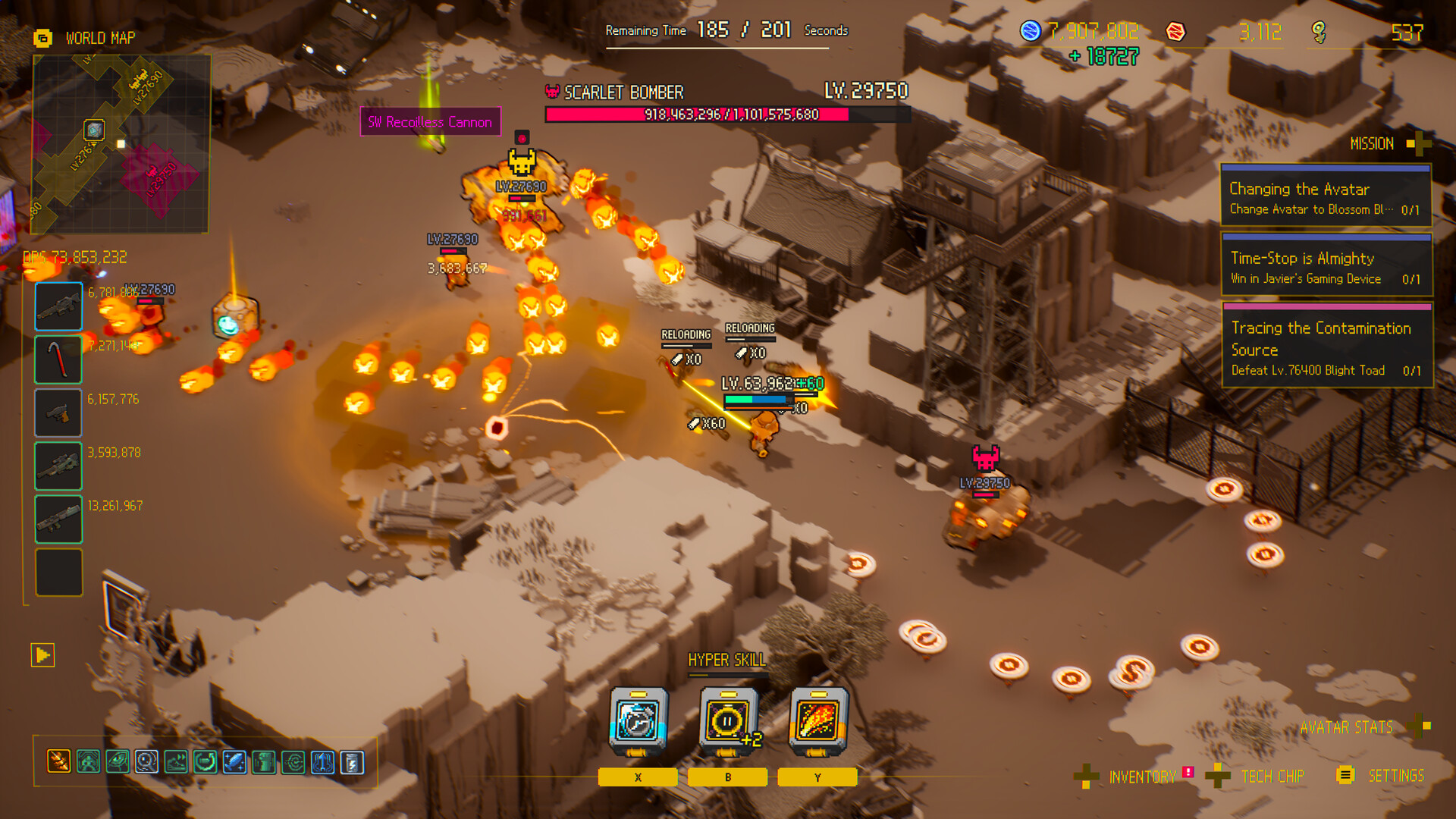
Weapons attack automatically during live combat, so choose melee or ranged direction by the position you can maintain instead of an unsupported damage number.
Weapons create pressure while the player controls the route
First-party coverage states that equipped weapons aim at nearby enemies and fire automatically. That design shifts player attention toward movement, Time-Stop, target selection, and equipment. A weapon is useful when its attack pattern fits the distance and lane the current Avatar can maintain.
SERP pages often divide the arsenal into melee, ranged, drone, or other broad families, but exact item lists and rankings need current-build evidence. Use category behavior to choose a direction, then confirm names and values in the live Handbook before presenting a specific combination as fact.
Attack pattern
Observe where the weapon applies pressure and which targets it selects automatically.
Safe distance
Match the weapon to the range the route and Avatar can maintain consistently.
Chip support
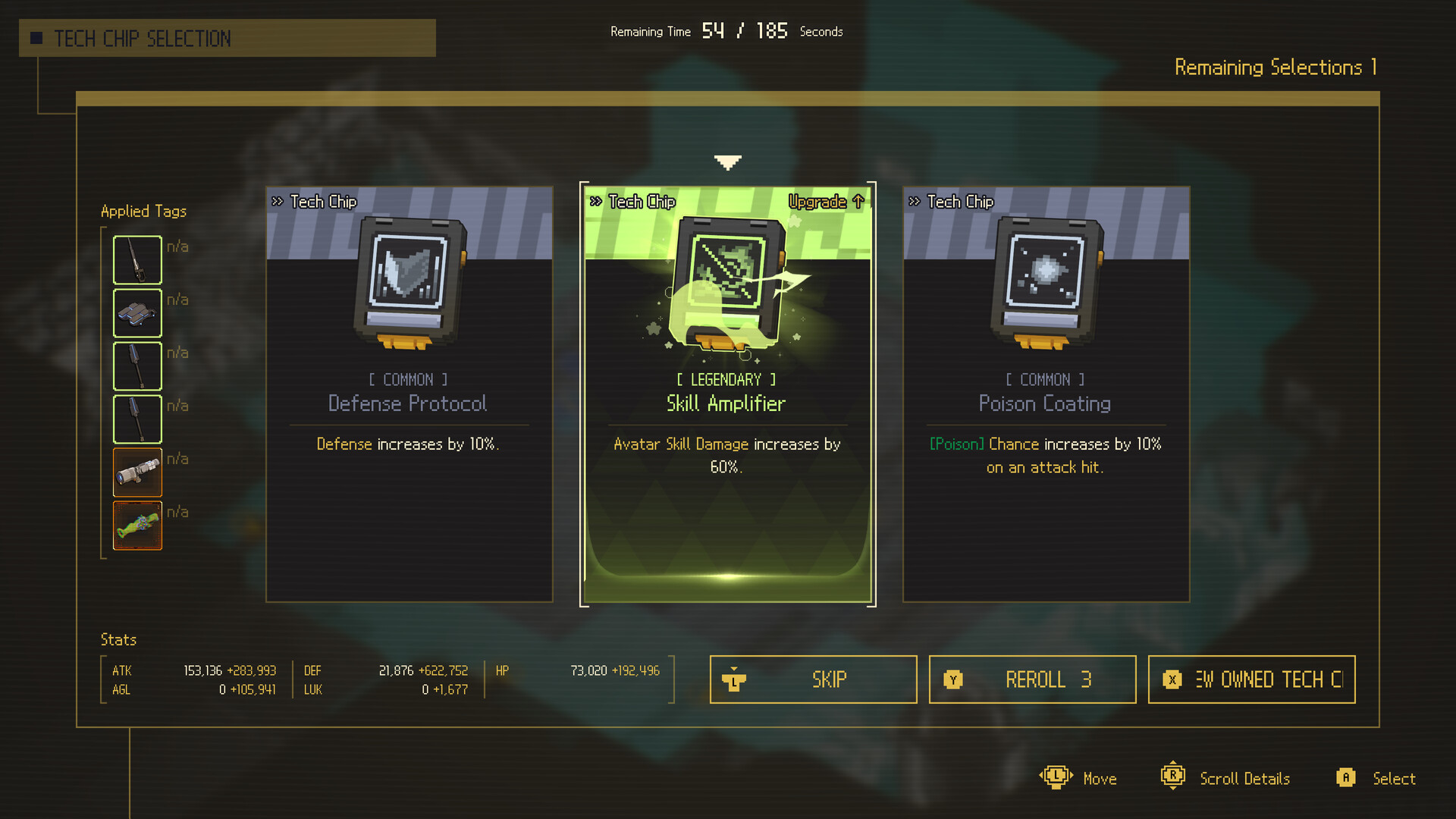
Prefer upgrades that reinforce the current weapon role instead of splitting the build.
Current item data
Check the live Handbook for exact names, values, and unlock requirements.
Do this first
- 1Pick the distance
Choose the lane you can maintain when time resumes.
- 2Match the release
Position so automatic attacks and the release action do not fight each other.
- 3Test the blocker
Measure route safety or target pressure after the change.
Weapon direction comparison
| Direction | Advantage | Trade-off |
|---|---|---|
| Melee | Concentrated close positioning | Higher positioning risk |
| Ranged | More room to read the board | May trade immediate pressure for safety |
| Flexible | Adapts to drops | Requires more judgment |
Use this flow
- 01Choose distance
- 02Enter route
- 03Freeze before lane closes
- 04Release in compatible position
- 05Review pressure
Related video
Ascend to ZERO Gameplay - Time Stop Roguelite | Let's Try | PC
RinKa Plays
A long community gameplay session useful for observing the run loop at normal play pace.
Why it is useful: Players who want extended PC footage rather than a short trailer.
Watch on YouTubeCommon mistakes
Do
Change one decision, measure the result, and keep the source trail visible.
Avoid
- Inventing weapon names
- Equating range with guaranteed safety
- Ignoring Avatar release behavior
- Publishing DPS without data
FAQ
Do I manually aim every attack?
Xbox Wire describes weapons that aim at nearby enemies and fire automatically.
Sources
Ascend to ZERO: A Time-Bending Roguelike Sharpened to the Last Second
Xbox Wire / Flyway Games / accessed 2026-07-16
Detailed first-party explanation of the opening timer, Time-Stop, auto-attacks, growth, difficulty, Handbook, and late-game routing.
Current store description, supported systems, build framing, and achievement availability.
Independent review used to cross-check controls, gadget input, equipment categories, and the Chrono Child starter example.