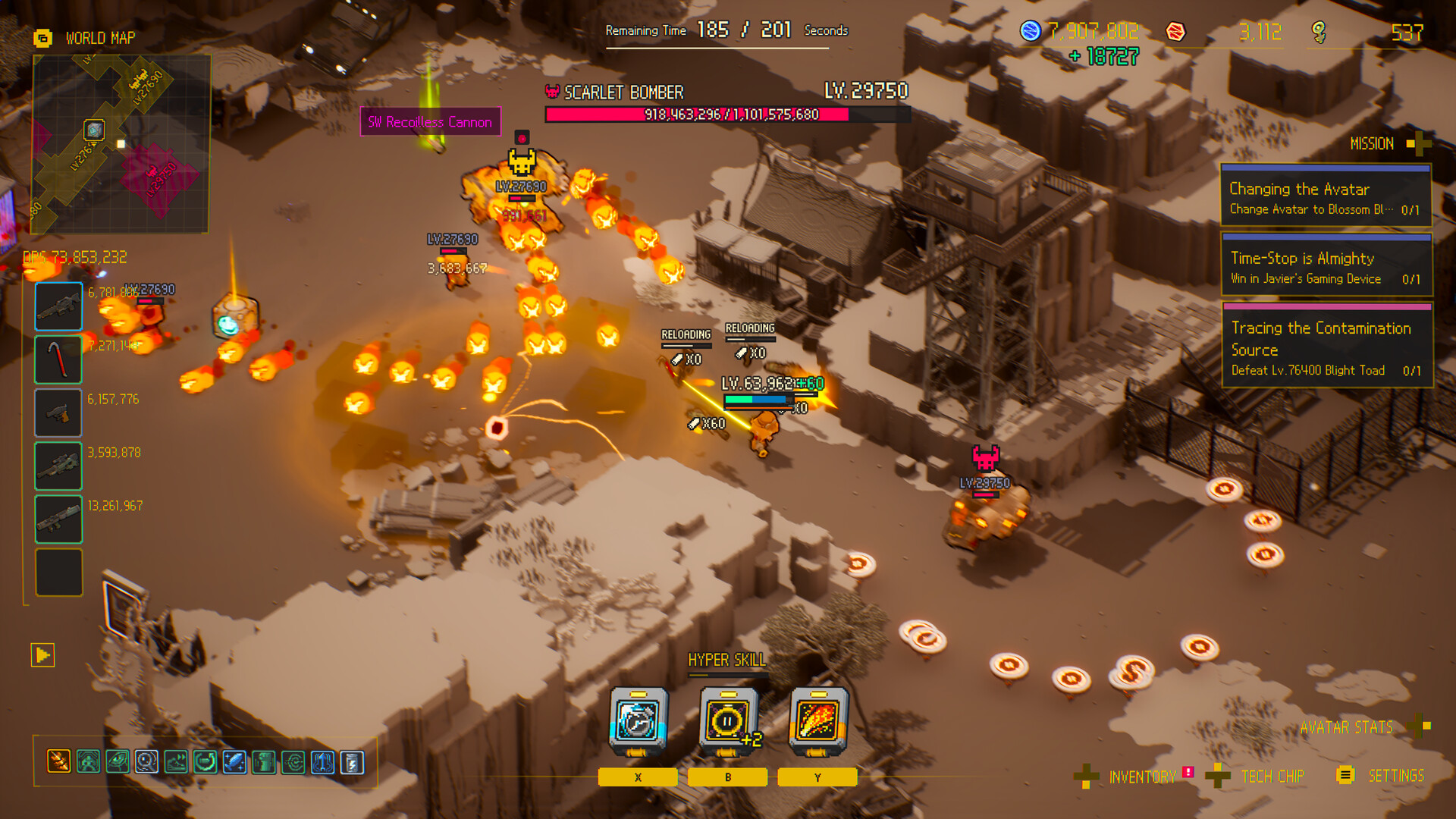
When the clock is the blocker, reduce hit-driven time loss and wasted travel before adding more offensive ambition.
Independent review
Separate timer loss into hits, travel, and pressure
A run can lose the clock in several different ways. Large sudden drops point to lethal hits, steady drain without progress points to an inefficient route, and reaching a durable target with too little time points to weak pre-boss planning. Calling every failure a damage problem hides the decision that needs to change.
Use repeated routes as a diagnostic tool. Change one variable, such as the freeze timing, the next objective, or the build direction, and compare the point at which the clock becomes unstable. This produces a better answer than adding random offense after every failed run.
Hit loss
Freeze earlier, protect the exit lane, and stop forcing dangerous pickups.
Travel loss
Shorten the objective chain and skip targets that no longer fit the available clock.
Pressure loss
Focus the build when safe play reaches a target but cannot finish it efficiently.
Recovery plan
Treat time gained from a perk or boss as route budget, not permission for every detour.
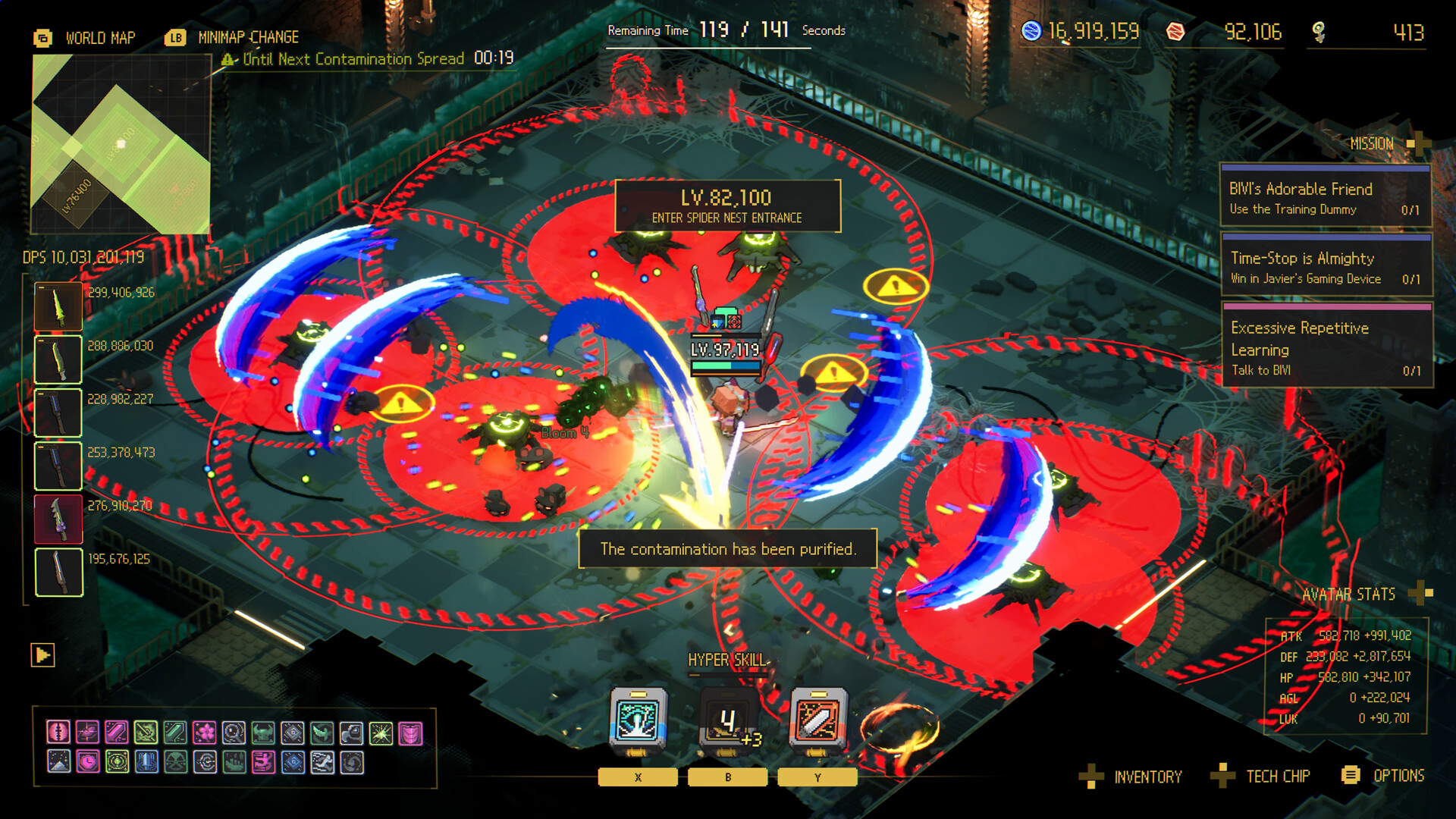
Do this first
- 1Find the leak
Separate time lost to hits from time spent moving toward a target that is too far away.
- 2Shorten the plan
Choose the next reachable useful target instead of the most ambitious target on the map.
- 3Upgrade the blocker
Use permanent progression only after you can name whether time, safety, or pressure failed.
Clock failure diagnosis
| Clock symptom | Likely cause | Test next |
|---|---|---|
| Large sudden drop | Lethal hit | Earlier freeze and safer lane |
| Steady drain with no progress | Route target too distant | Shorter objective chain |
| Boss reached with little time | Too much pre-boss cleanup | Skip low-value detours |
| Safe but unable to finish | Pressure too low | Focused damage direction |
Use this flow
- 01Clock drops
- 02Classify hit vs travel vs pressure
- 03Change one decision
- 04Retest the same route
- 05Keep or reverse
Related video
Ascend to ZERO Gameplay - Time Stop Roguelite | Let's Try | PC
RinKa Plays
A long community gameplay session useful for observing the run loop at normal play pace.
Why it is useful: Players who want extended PC footage rather than a short trailer.
Watch on YouTubeCommon mistakes
Do
Change one decision, measure the result, and keep the source trail visible.
Avoid
- Calling every clock failure a damage problem
- Continuing after the route stops producing useful targets
- Buying unrelated permanent upgrades
- Confusing a launch discount with the Limited Time mechanic
FAQ
Is Limited Time the same as health?
The clock ends the run, while a lethal hit removes time. They are related but not identical systems.
Can the clock recover?
Independent hands-on coverage reports recovery or extension through perks and boss kills; exact values are intentionally omitted.
Sources
Ascend to ZERO: A Time-Bending Roguelike Sharpened to the Last Second
Xbox Wire / Flyway Games / accessed 2026-07-16
Detailed first-party explanation of the opening timer, Time-Stop, auto-attacks, growth, difficulty, Handbook, and late-game routing.
Independent hands-on account of timer management, Time-Stop, builds, Bunker progression, and difficulty.
Independent review used to cross-check controls, gadget input, equipment categories, and the Chrono Child starter example.