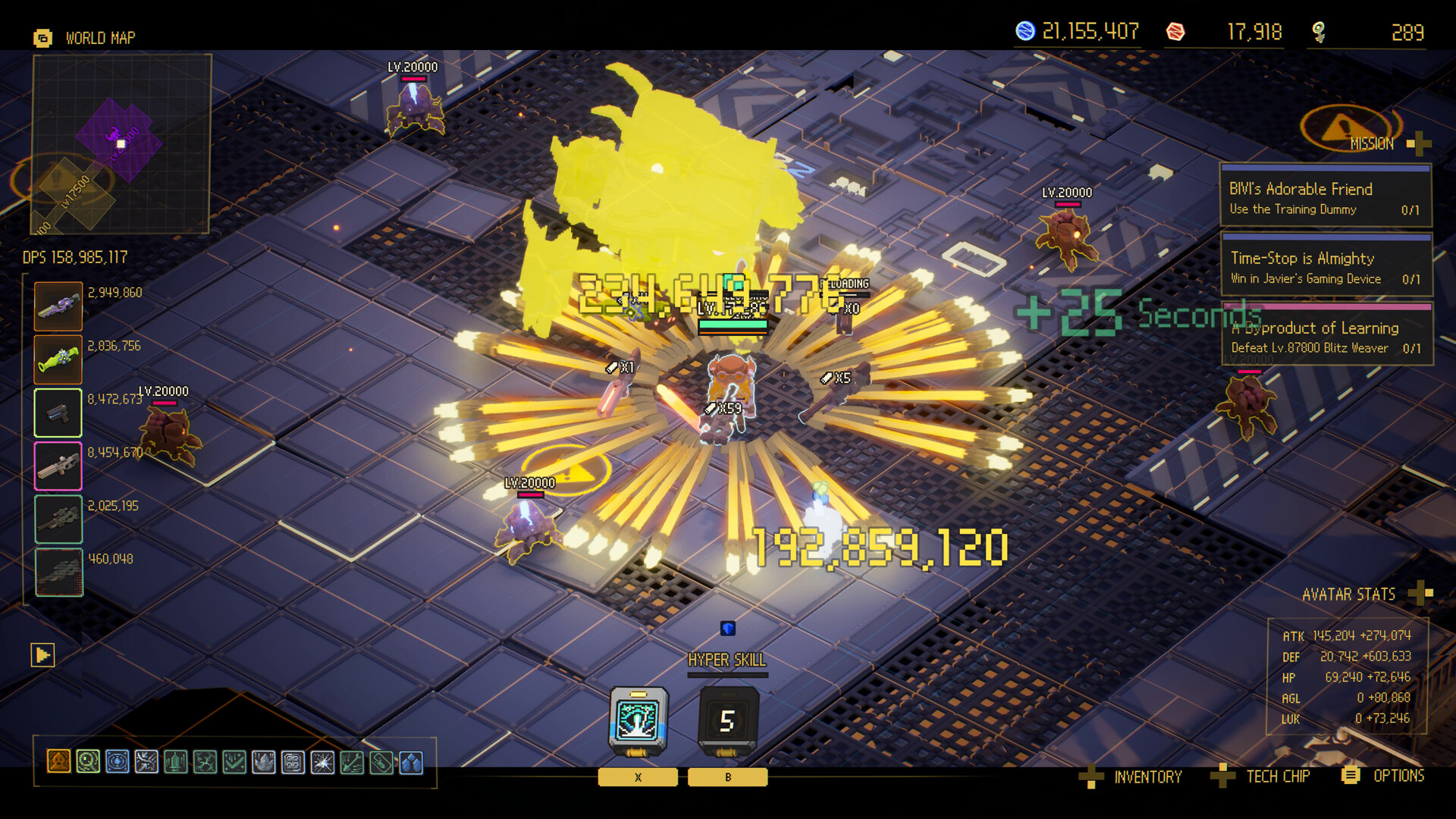
Move and route while weapons attack automatically, freeze time to collect and prepare a release, then use the Bunker return to improve the next attempt.
How a complete Ascend to ZERO run works
New-player questions repeatedly focus on what the 30-second clock represents, what Time-Stop freezes, whether weapons attack automatically, and what carries back to the Bunker. The game becomes easier to read when those systems are treated as one loop rather than separate tutorials.
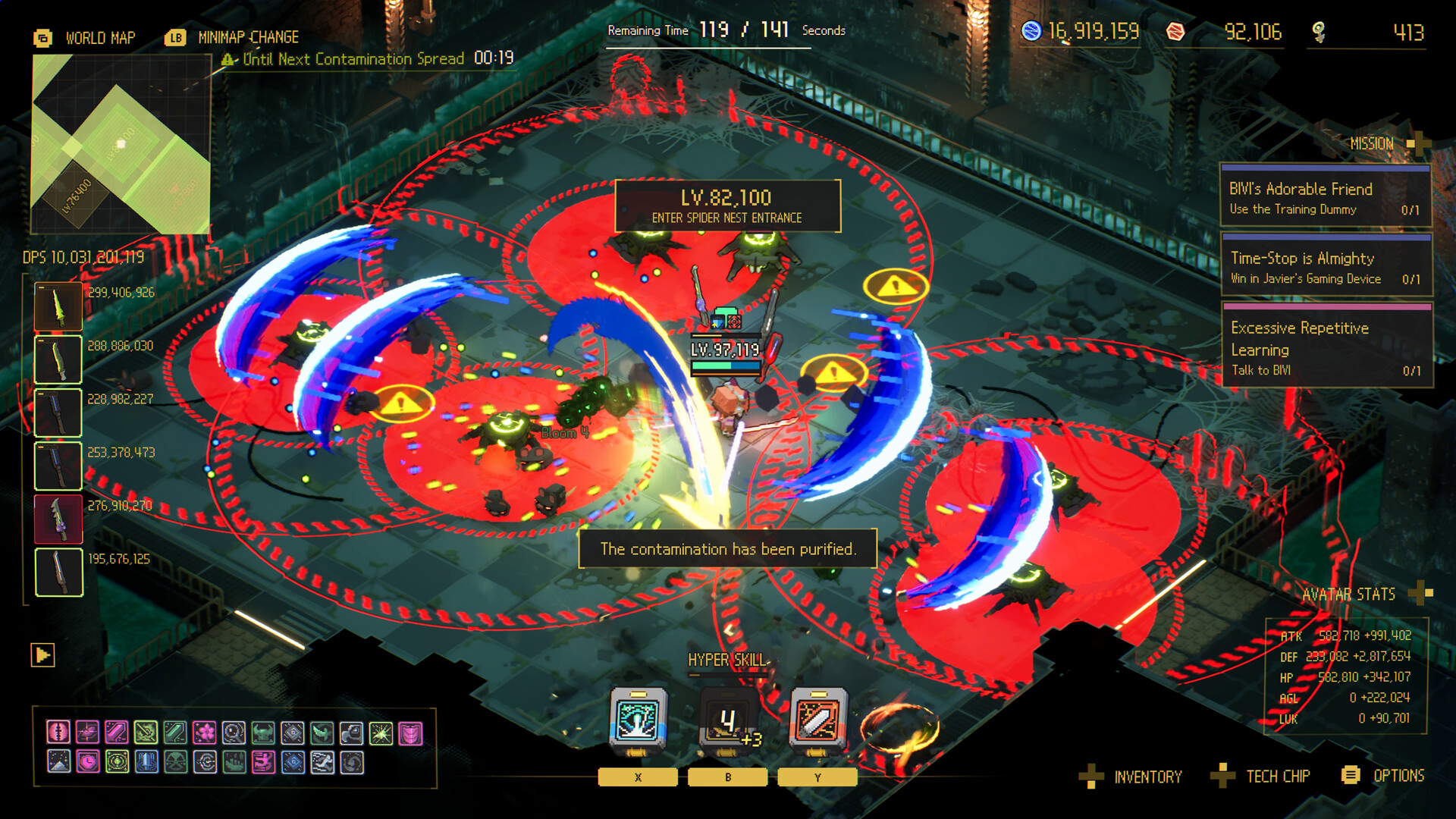
Live combat is about movement and route value because equipped weapons aim and fire automatically. Time-Stop freezes enemies, projectiles, and the clock while the player can move, collect experience, and prepare the Avatar Skill and gadgets that resolve when time resumes. The return to the Bunker converts the failed or completed route into a clearer next attempt.
Watch the clock
The run ends when time reaches zero, and lethal hits remove seconds from the remaining route.
Move during Time-Stop
Use the frozen window to collect, cross danger, and choose the position where the release should resolve.
Let weapons work
Automatic attacks free attention for lanes, targets, equipment, and the next freeze.
Use the return
At the Bunker, respond to one measured failure before changing several systems at once.
Do this first
- 1Enter with one objective
Choose a reachable target instead of treating the whole map as the route.
- 2Manage live time
Move through safe lanes while automatic weapons apply pressure to nearby enemies.
- 3Create a frozen turn
Collect experience, cross danger, and prepare the Avatar Skill and gadgets before resuming.
- 4Read the return
At the Bunker, identify whether time loss, positioning, or target pressure ended the route.
How the main systems connect
| System | What happens | Player decision |
|---|---|---|
| Countdown | The run ends at zero | Spend seconds on valuable targets |
| Weapons | Nearby targets are attacked automatically | Maintain a useful distance and lane |
| Time-Stop | Enemies, projectiles, and clock freeze | Collect, reposition, and prepare release actions |
| Bunker | Permanent progression supports later runs | Improve the repeated failure first |
Use this flow
- 01Choose target
- 02Fight and move
- 03Freeze with purpose
- 04Release prepared actions
- 05Push or exit
- 06Return and improve
Related video
Ascend to ZERO | Time Stop? Unique Combat! | Combat Introduction - Time Action
Flyway Games
An official mechanic-introduction clip focused on the game's defining Time-Stop combat idea.
Why it is useful: A fast visual orientation before reading the timing decision guide.
Watch on YouTubeCommon mistakes
Do
Change one decision, measure the result, and keep the source trail visible.
Avoid
- Waiting for manual attack controls
- Freezing without a destination
- Treating every pickup as equally valuable
- Buying unrelated upgrades after each return
FAQ
Do weapons attack automatically?
Yes. Xbox Wire states that weapons aim at nearby enemies and fire on their own.
What can I do while time is stopped?
The player can move, collect experience, avoid a dangerous pattern, and prepare the position for Avatar Skills and gadgets.
What ends a run?
The countdown reaching zero returns the player to the present. Lethal hits remove seconds, so survival and time management are linked.
Sources
Ascend to ZERO: A Time-Bending Roguelike Sharpened to the Last Second
Xbox Wire / Flyway Games / accessed 2026-07-16
Detailed first-party explanation of the opening timer, Time-Stop, auto-attacks, growth, difficulty, Handbook, and late-game routing.
Current store description, supported systems, build framing, and achievement availability.
Official positioning, platforms, genre, and Time-Stop premise.
Independent hands-on account of timer management, Time-Stop, builds, Bunker progression, and difficulty.
Independent review used to cross-check controls, gadget input, equipment categories, and the Chrono Child starter example.